ROLE
Freelance Product Designer
TOOLS
Timeline
May 2025 -
August 2025
project brief
While the classics are always great, parents expressed the desire for new, engaging, and most importantly, personal picture books for their young ones. Storybunny leverages the image-generation capabilities of AI to empower parents to create custom picture books to help them connect with their kids on specific and relevant topics or situations.
solution
web app
Storybunny was built to function across devices, but the platform was intended to be used primarily on the desktop by parents
Story Creation
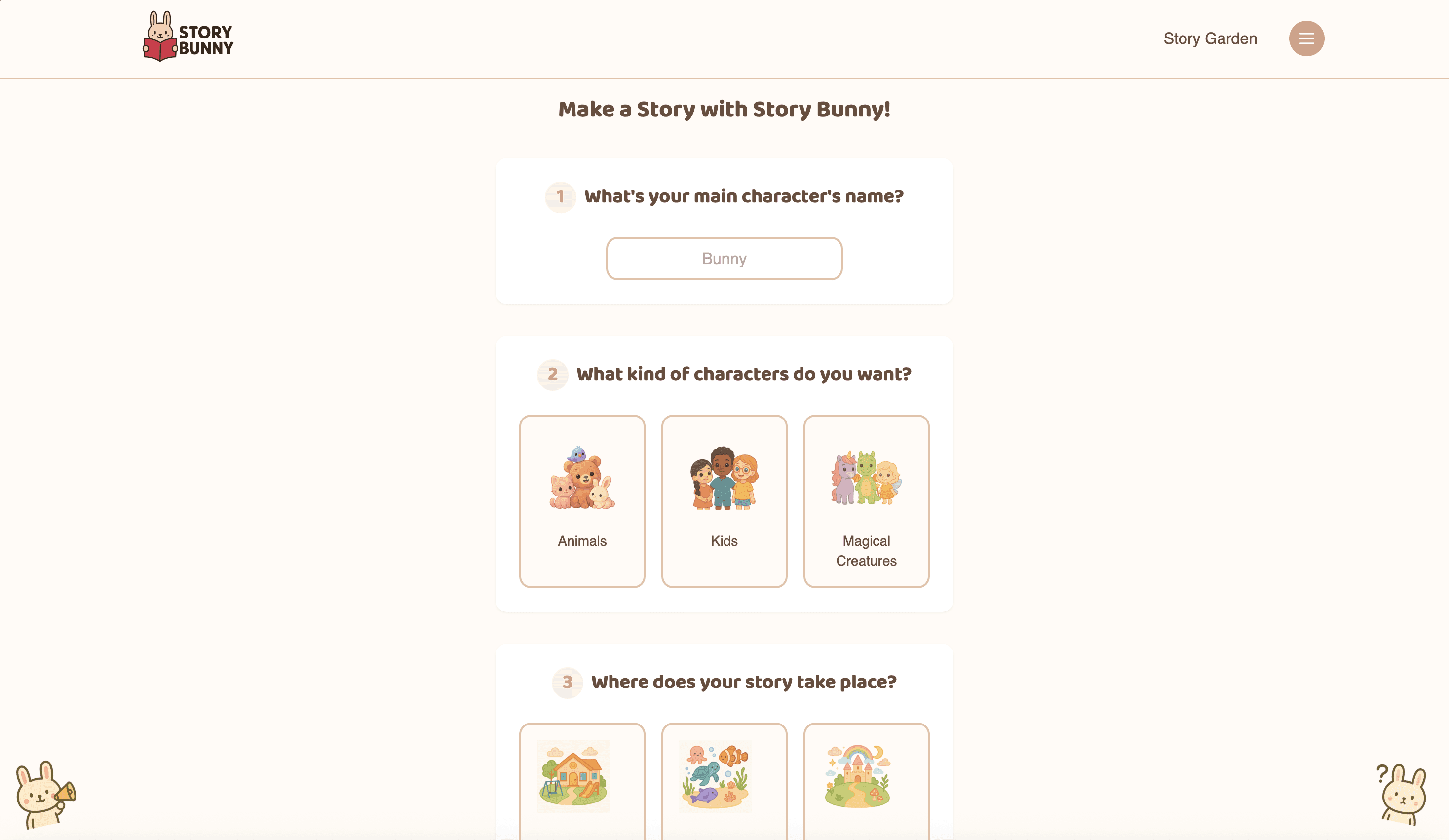
The page lands on the story creation section, where the user answers a few general multiple-choice questions to shape the story. Each question gives the option for a custom text input for those who want more agency and detail
Story Reading + Sign Up
The simplicity of the reading experience is meant to mimic the way most picture books are composed. First-time users hit a sign-up wall after the 3rd page, encouraging account creation to continue reading
Story Garden
The Story Garden is Storybunny's database for all community-made books. Users can explore featured stories, popular stories, or search for specific stories using a filter
About + Subscription + Profile
The about page tells the story of Storybunny's origins and mission. The subscription gives users story credits and access to exclusive features like the "creator mode," which was not yet developed. The profile houses the user's stories
Loading
I created this loading animation that blends tech with playfulness while incorporating the logo
mobile + tablet
I also developed a mobile app version of Storybunny for parents to use on the go or as a shared experience with their kids
details
Subscription Wall
After creating two free books, the user hits a subscription wall to unlock more book credits and additional features
Our plan was to implement additional premium features including publishing, remixing, and audio book capabilities. I created a coming soon page to gauge the user's interest in these potential features
Credits Wall + Credits Shop
When the user is out of book credits, they hit a credit wall that brings them to the credit shop, where they can purchase additional credits for just $1
Logo Hover
The little things matter. I made a short logo animation that is triggered when the user hovers over it, showing the thought and care that went into the product
origins
A version of the product already existed when I came on board to redesign it. My job was to find the balance between the function of the original product and a novel design that effectively engaged users
RESEARCH
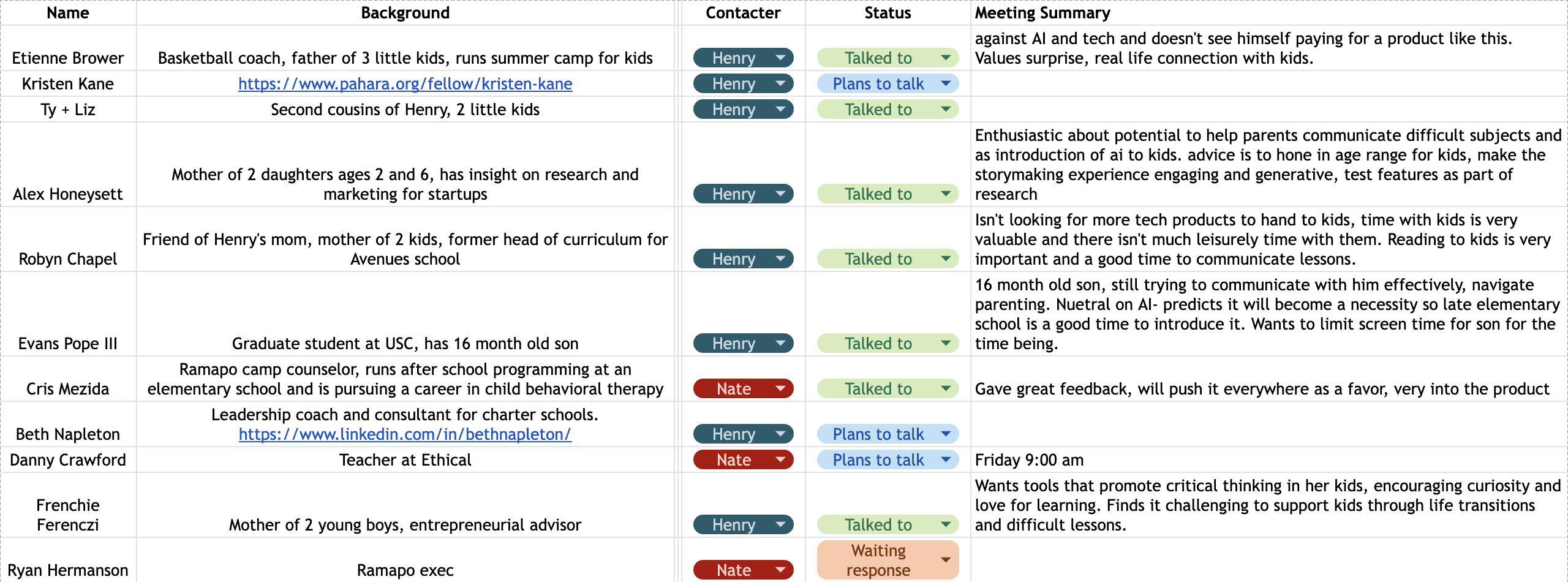
When I joined the team, the existing product had not yet been validated and the founder had not fully identified a problem nor specified a target audience. I began primary research, interviewing parents of young kids to identify any pain points and potential solutions for Storybunny to solve
I also conducted thorough competitor analyses, identifying the gaps that Storybunny could fill in order to differentiate the product.
Here's what I learned:
Competitors lack a clear value proposition
Similar products in the space were generic and didn't feel tailored to a specific audience, leaving a gap for story-building tech with a clear value proposition
Parents struggle to communicate with their young kids
Many parents expressed that they often struggled to teach their children difficult lessons or help them with tough transitions. They agreed that stories were one of the best mediums for this difficult communication
Kids don't need another tech product
Few parents were open to the idea of a new tech product for their young kids, even if it was educational. Most parents were looking for ways to get their kids off screens and spending more quality family time
The reading experience is crucial
An important differentiator from competition is the reading experience, as most similar products lacked engaging and interactive experiences. A satisfying and accessible reading experience makes parents more likely to use the platform with their children
challenge
With my new insights, I was posed with these questions:
1.
How can we redesign the Storybunny product so that it helps parents close the communication gap with their kids by crafting personalized stories that address relevant and specific topics and situations?
2.
How can we create an engaging story creation and reading experience that facilitates more quality time spent between parents and their kids?
ideation
I started by brainstorming what information would be crucial to building the prompt, as well as considering other questions that would help shape the story in ways that would be effective for parents
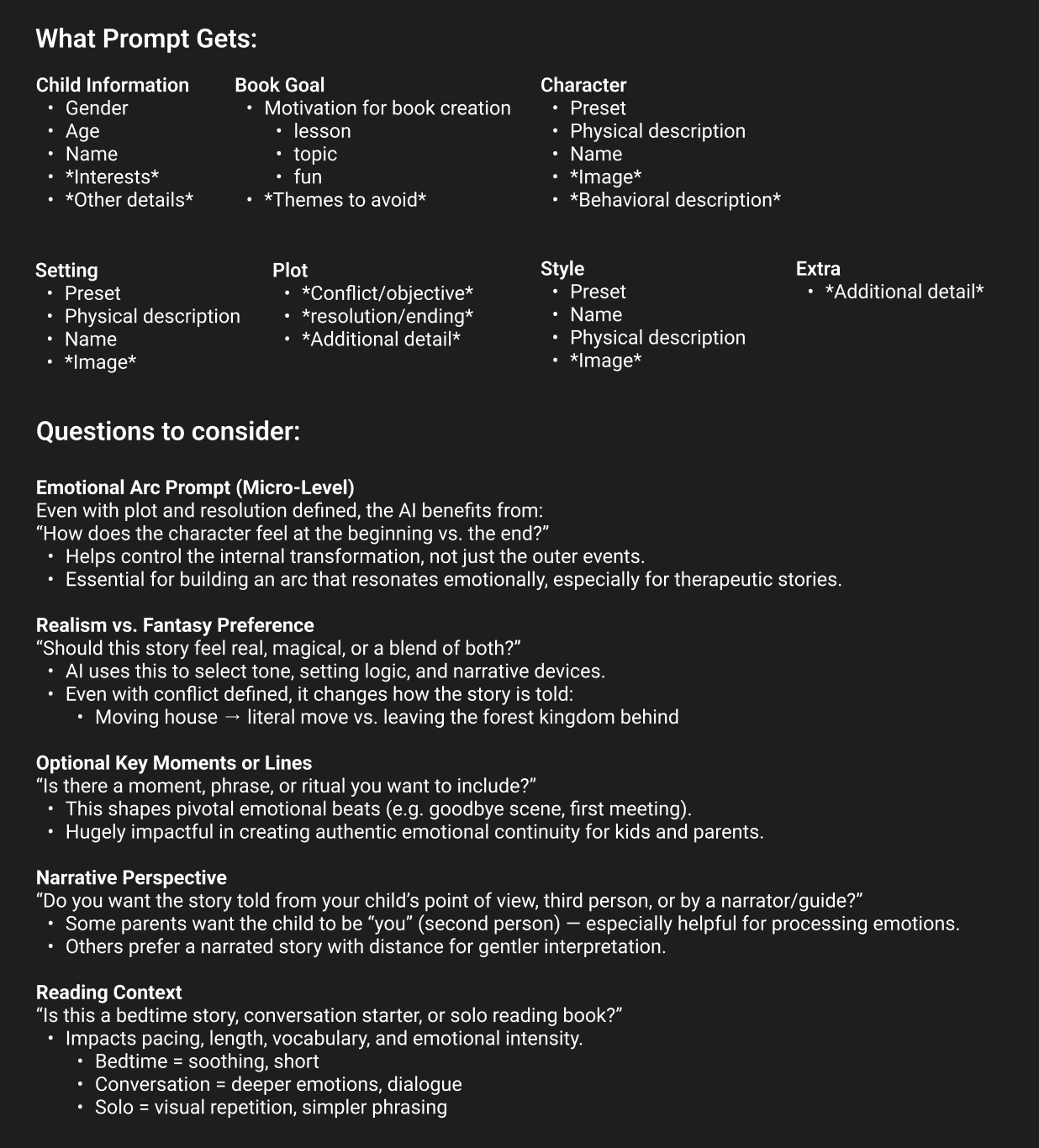
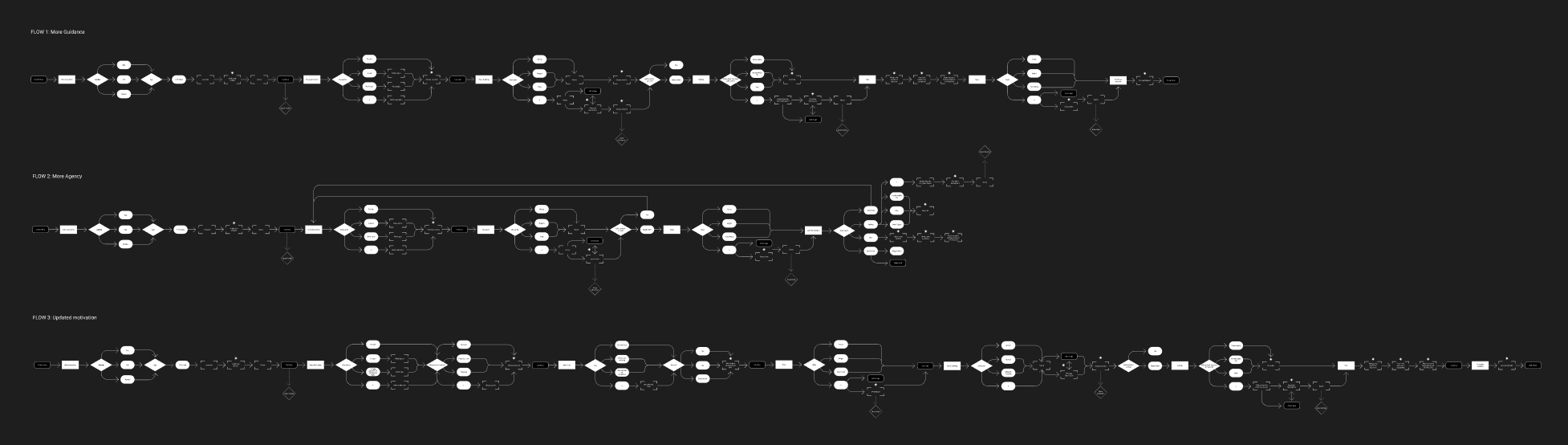
I then made flowcharts for the story-building interface of the product
I also experimented with GPT 5.0, testing different input and whisper prompts to see what would generate the most natural, original, and appropriate stories and images
LOW FIDELITY designs
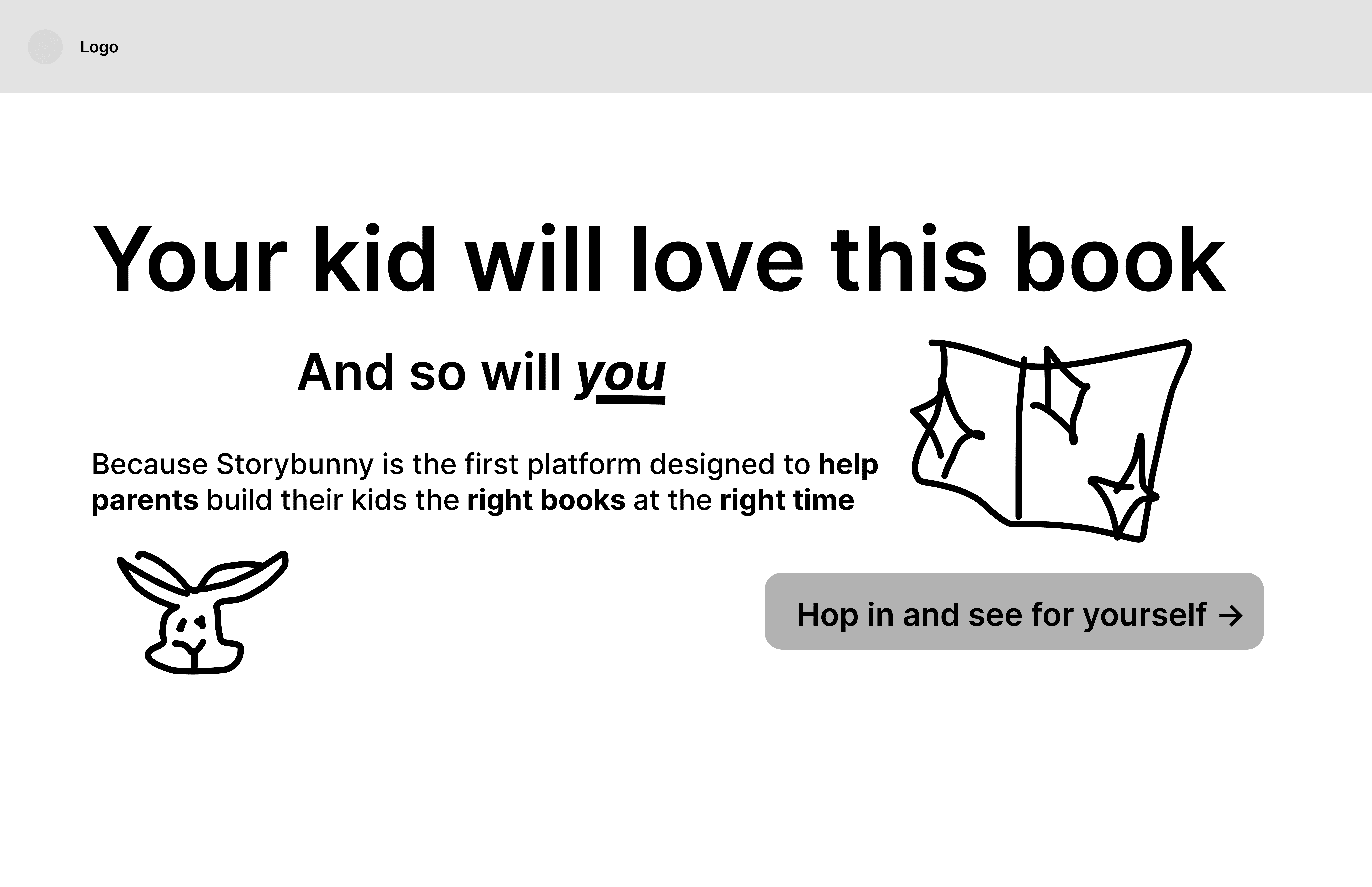
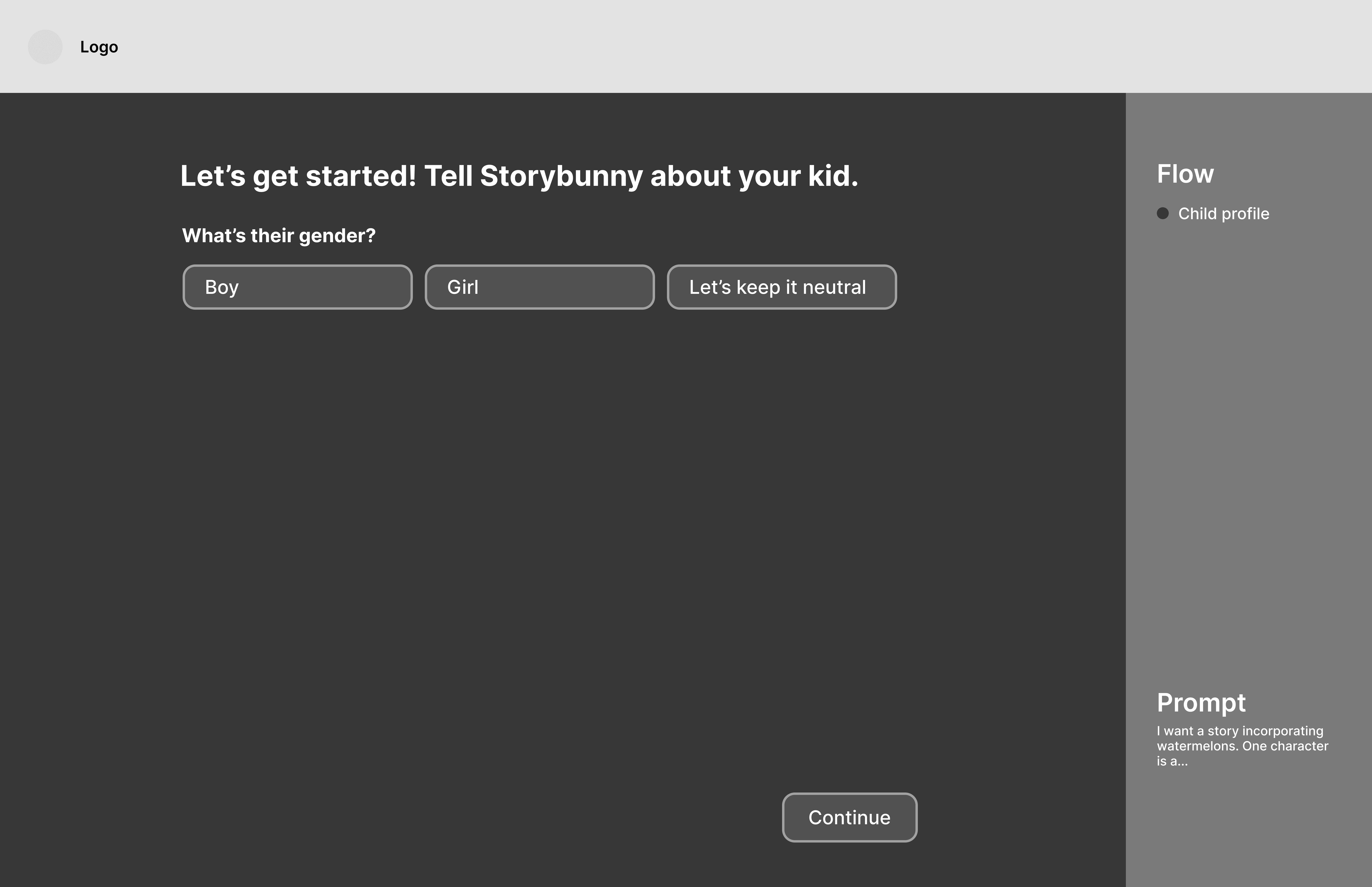
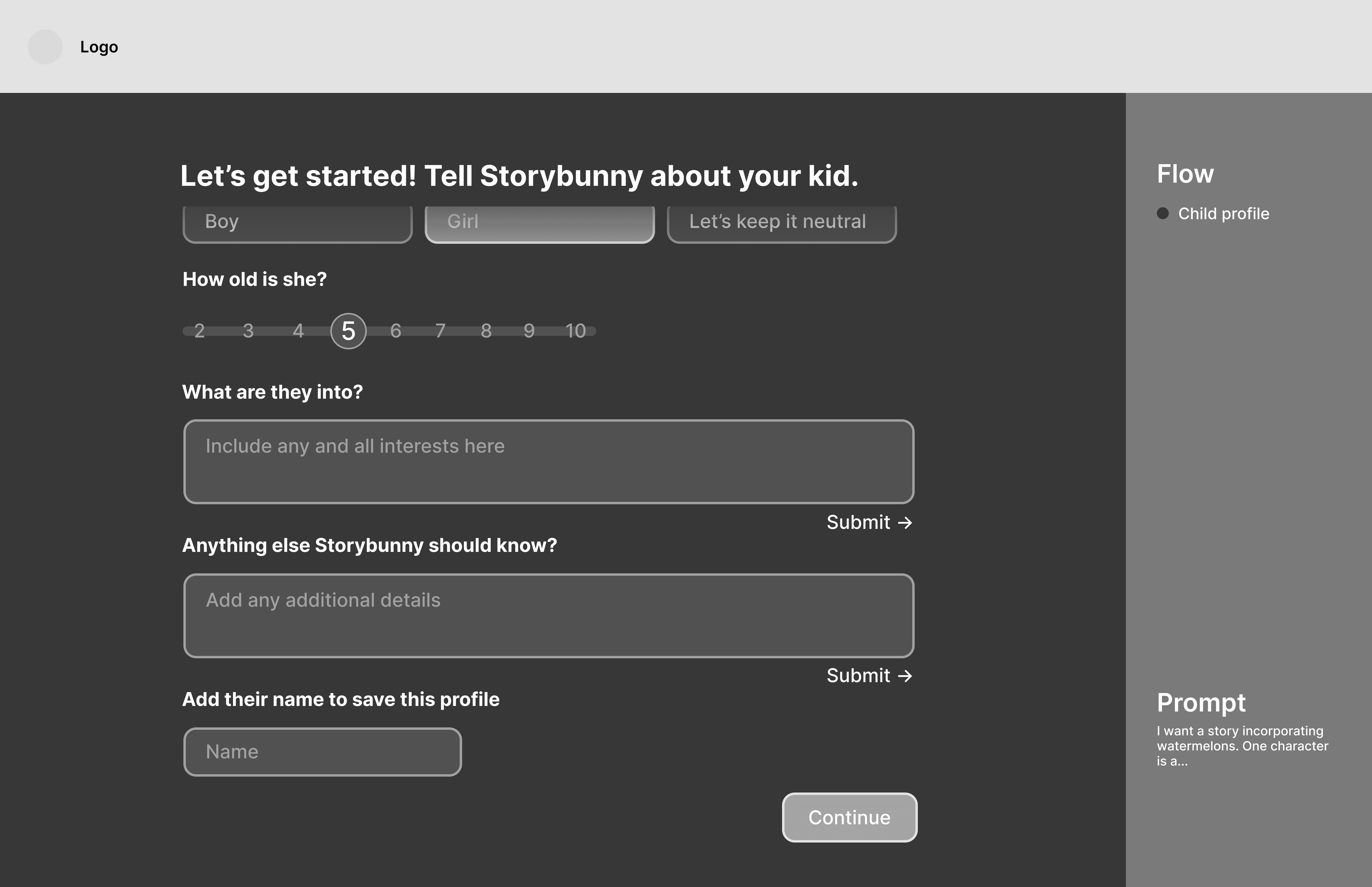
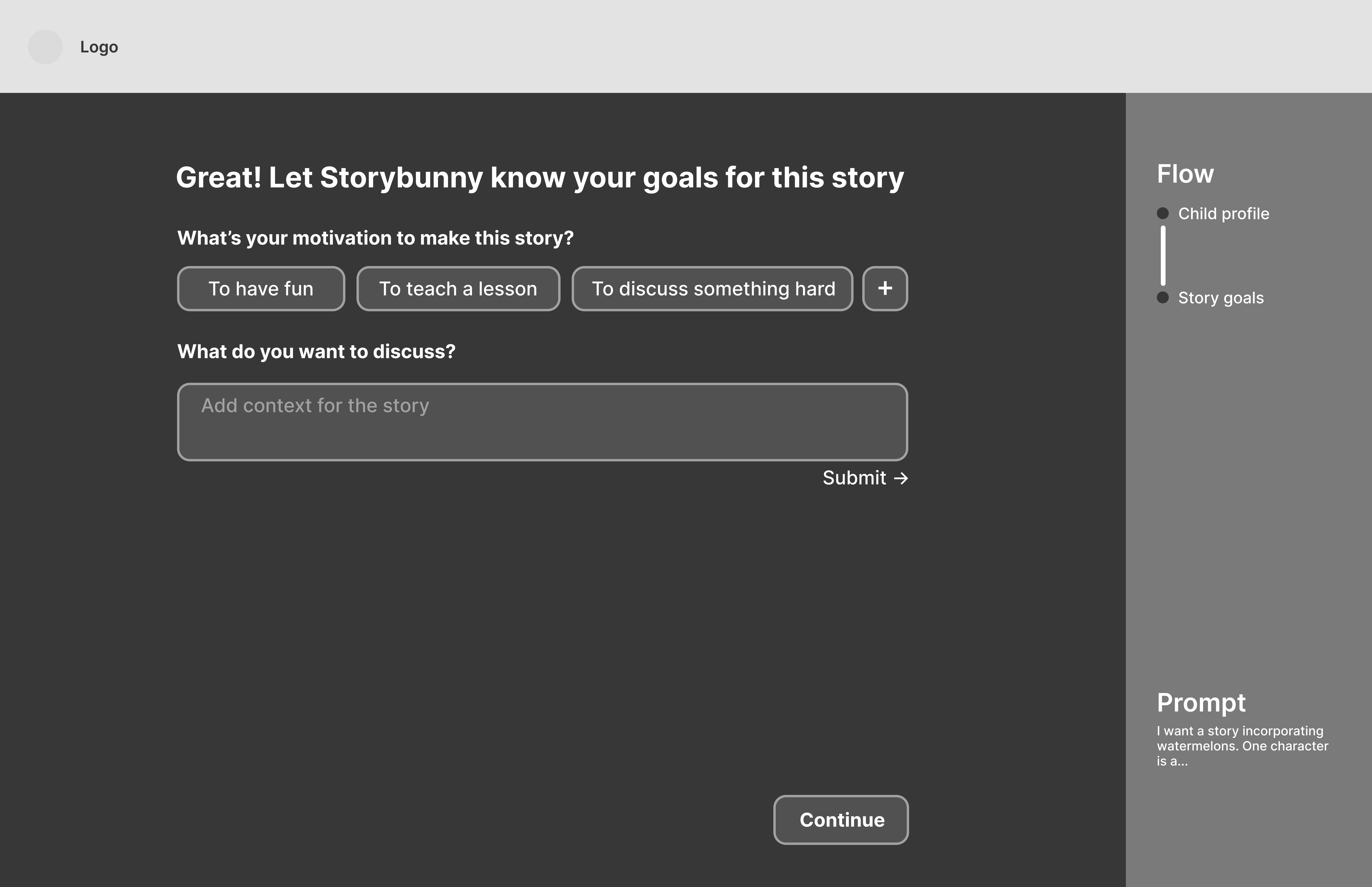
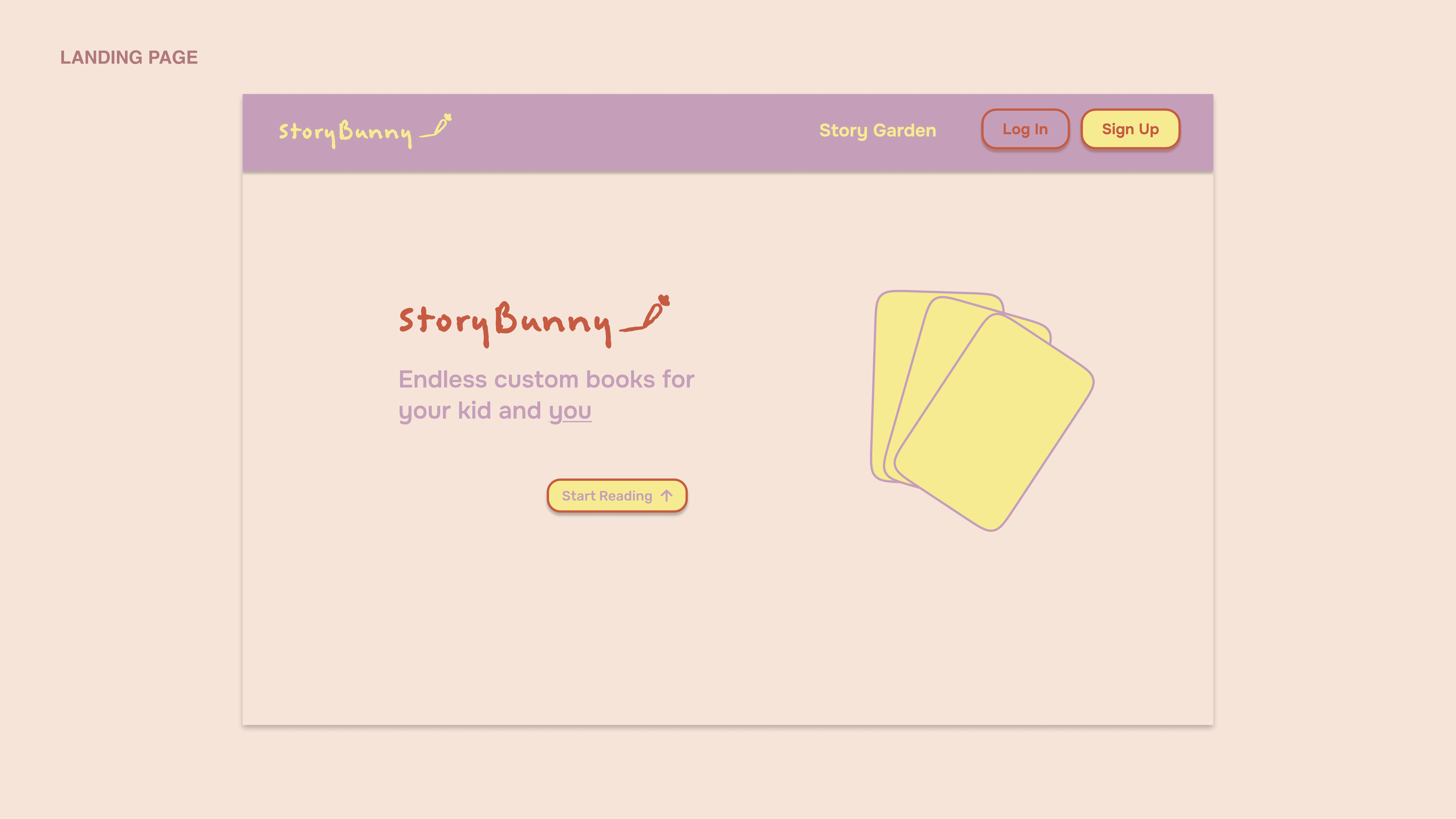
The first low fidelity look at my vision for the story creation interface and landing page
v1 prototype
Based off the low-fidelity prototype and backed by the research I had been conducting, I designed and prototyped the first version of story creation process redesign
I wanted the story creation process to feel like an interactive, personalized experience instead of just a form, so I had the questions appear sequentially and included some generative elements.
brand
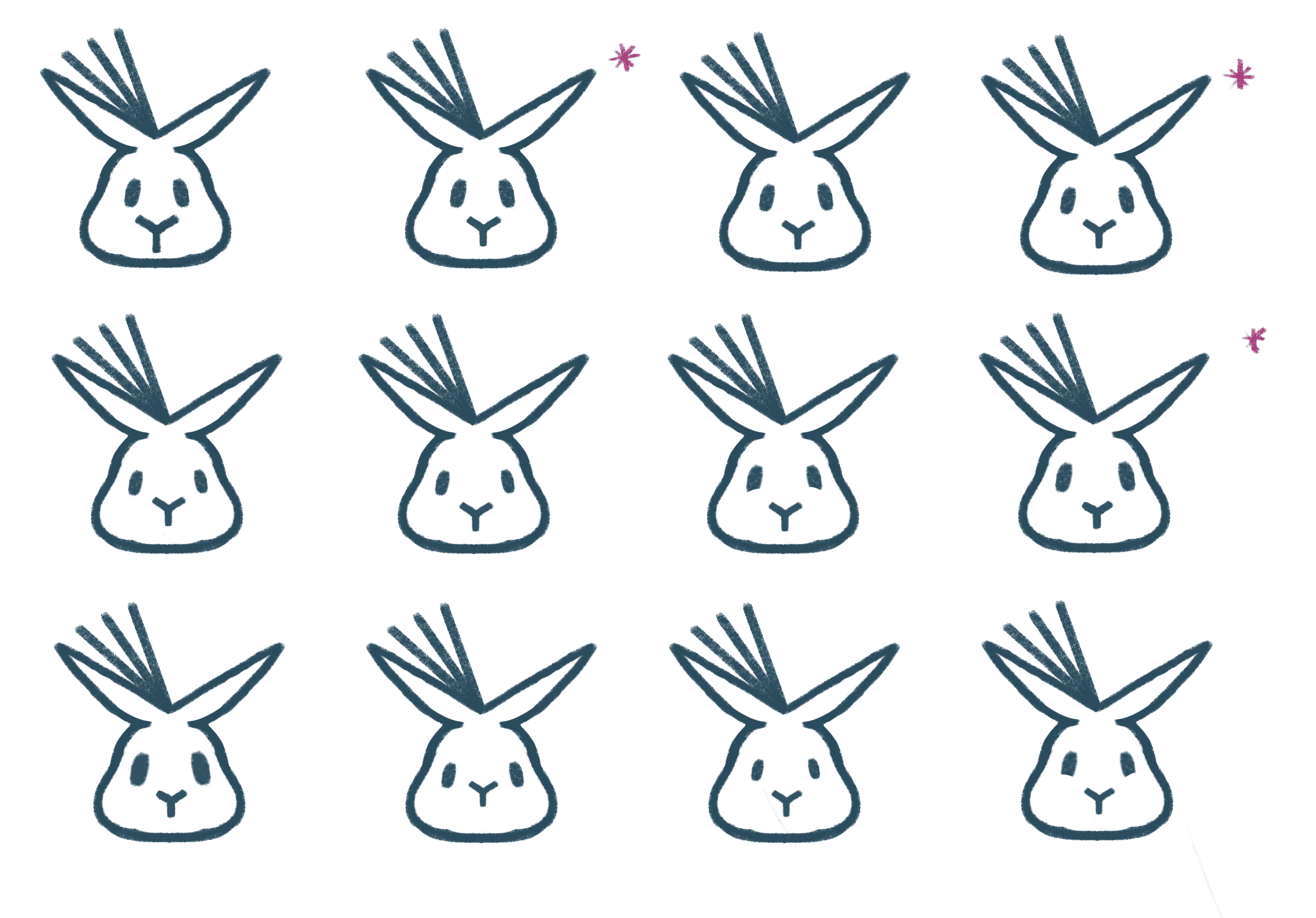
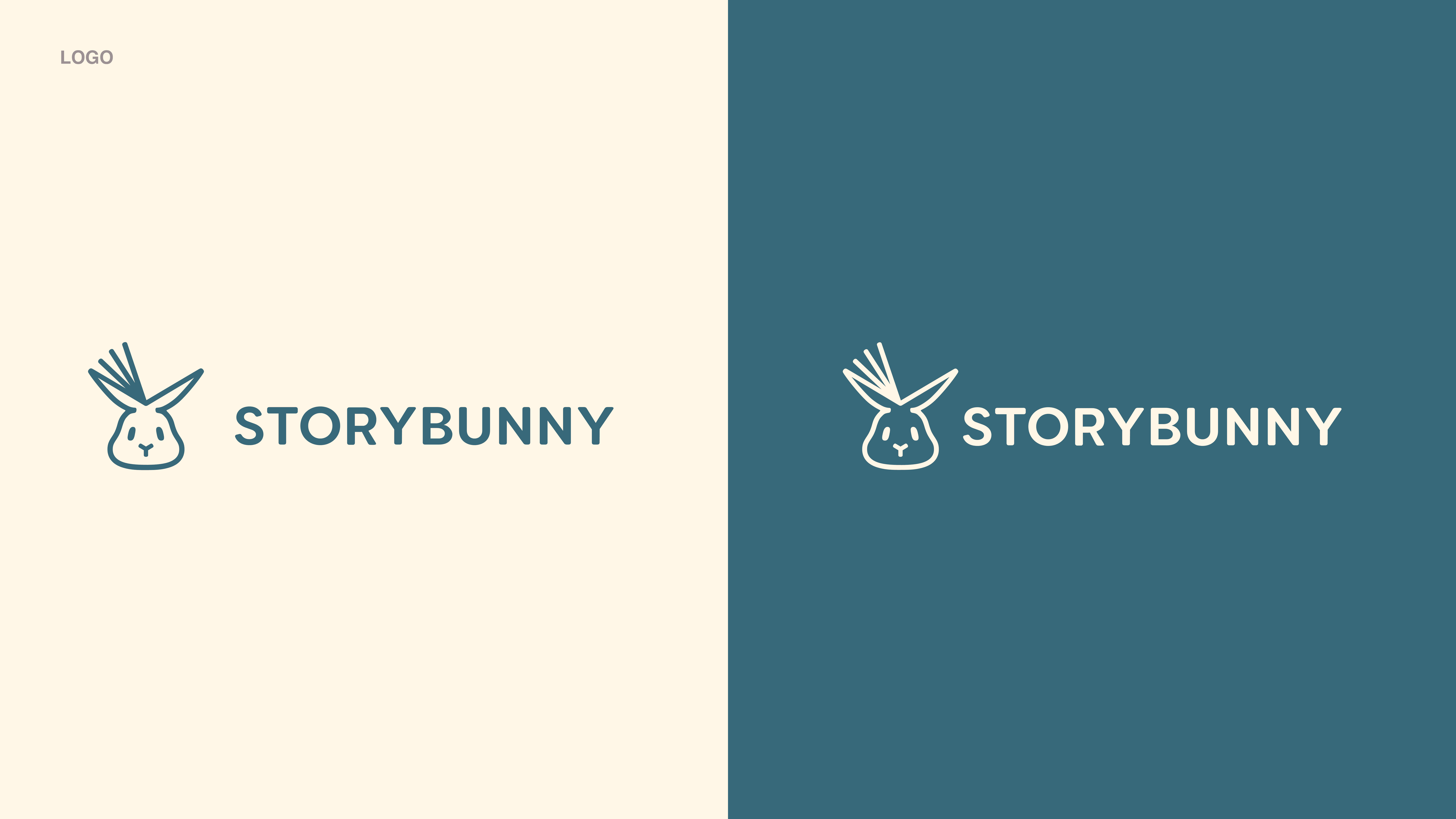
After a lengthy process with many tweaks and variations, I eventually settled on this bunny paired with a soft, playful font for the logo
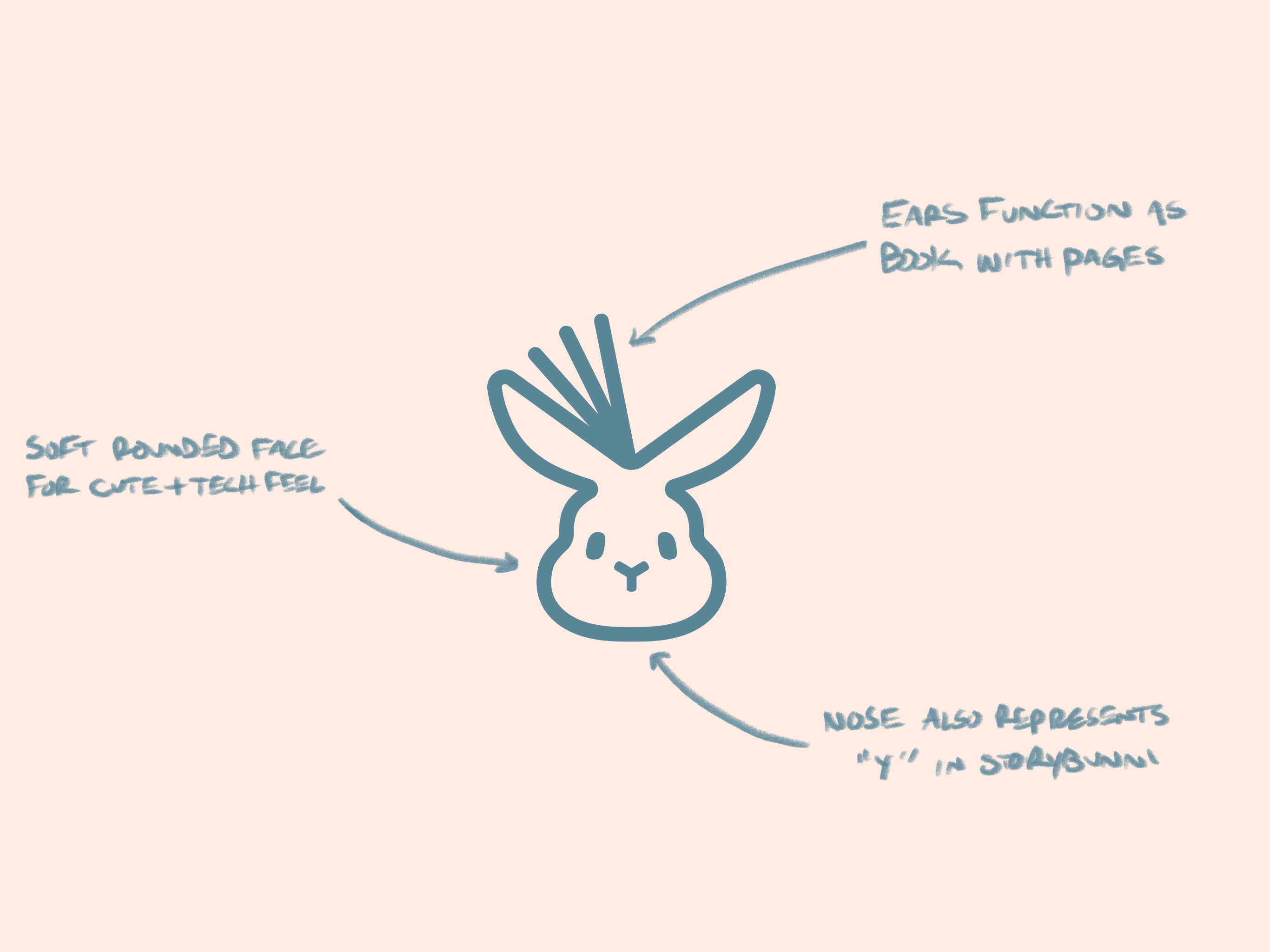
My goal was to create a logo that found the balance between looking cute and welcoming but also representing the technical capabilities of the product. The pages in the ears helped achieve this feel by showing the motion of the book being created by Storybunny's AI
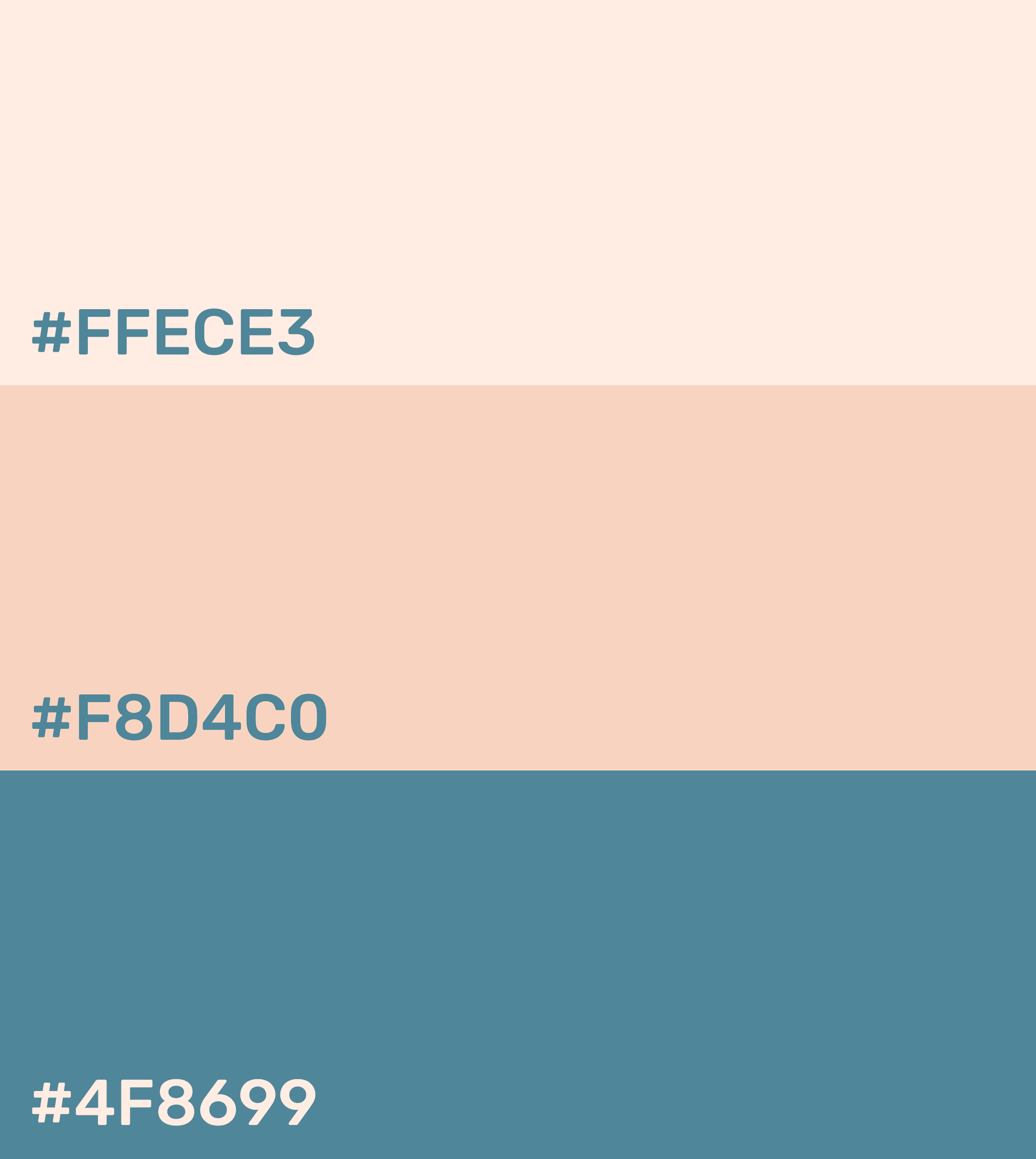
BRAND COLORS
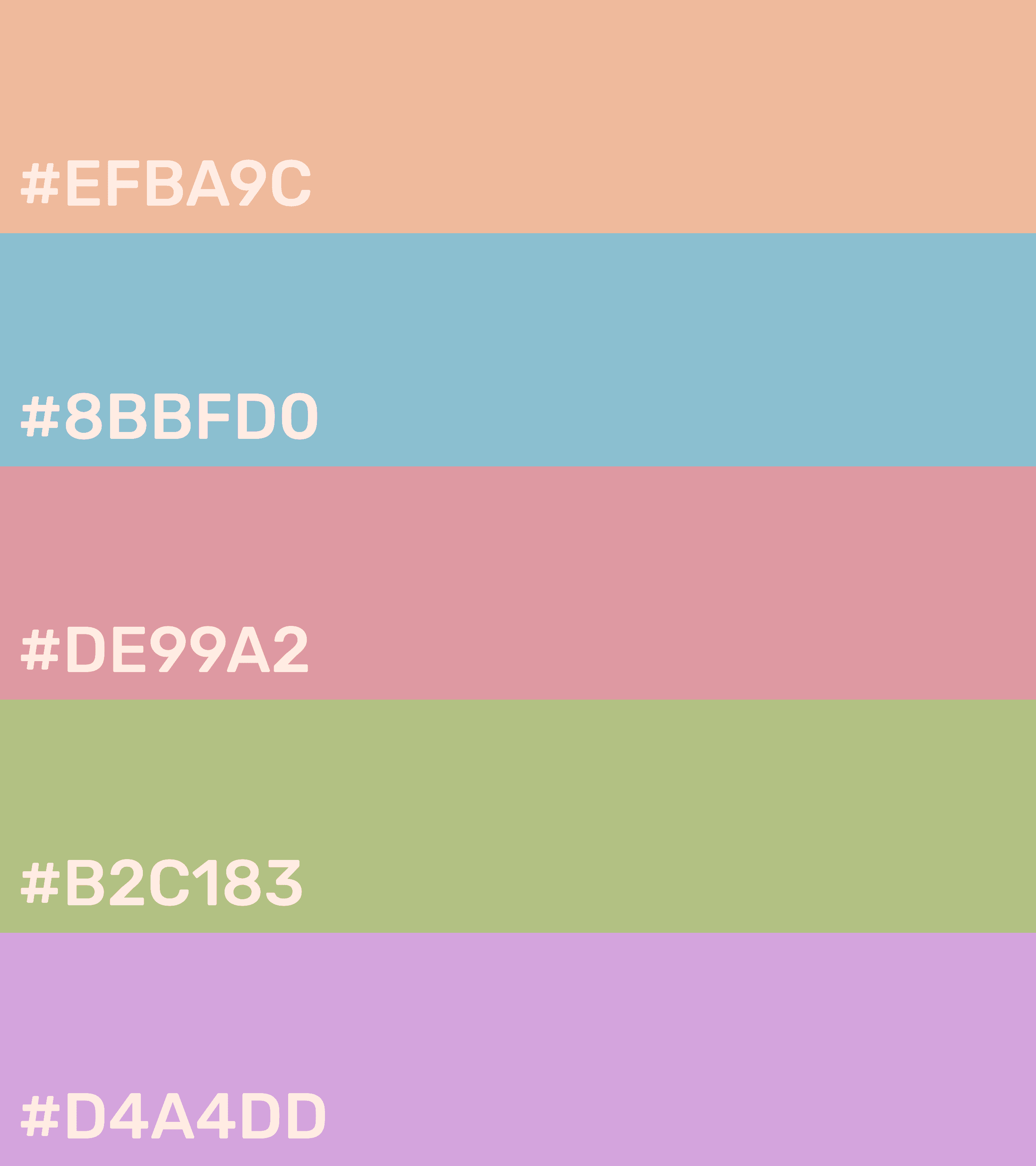
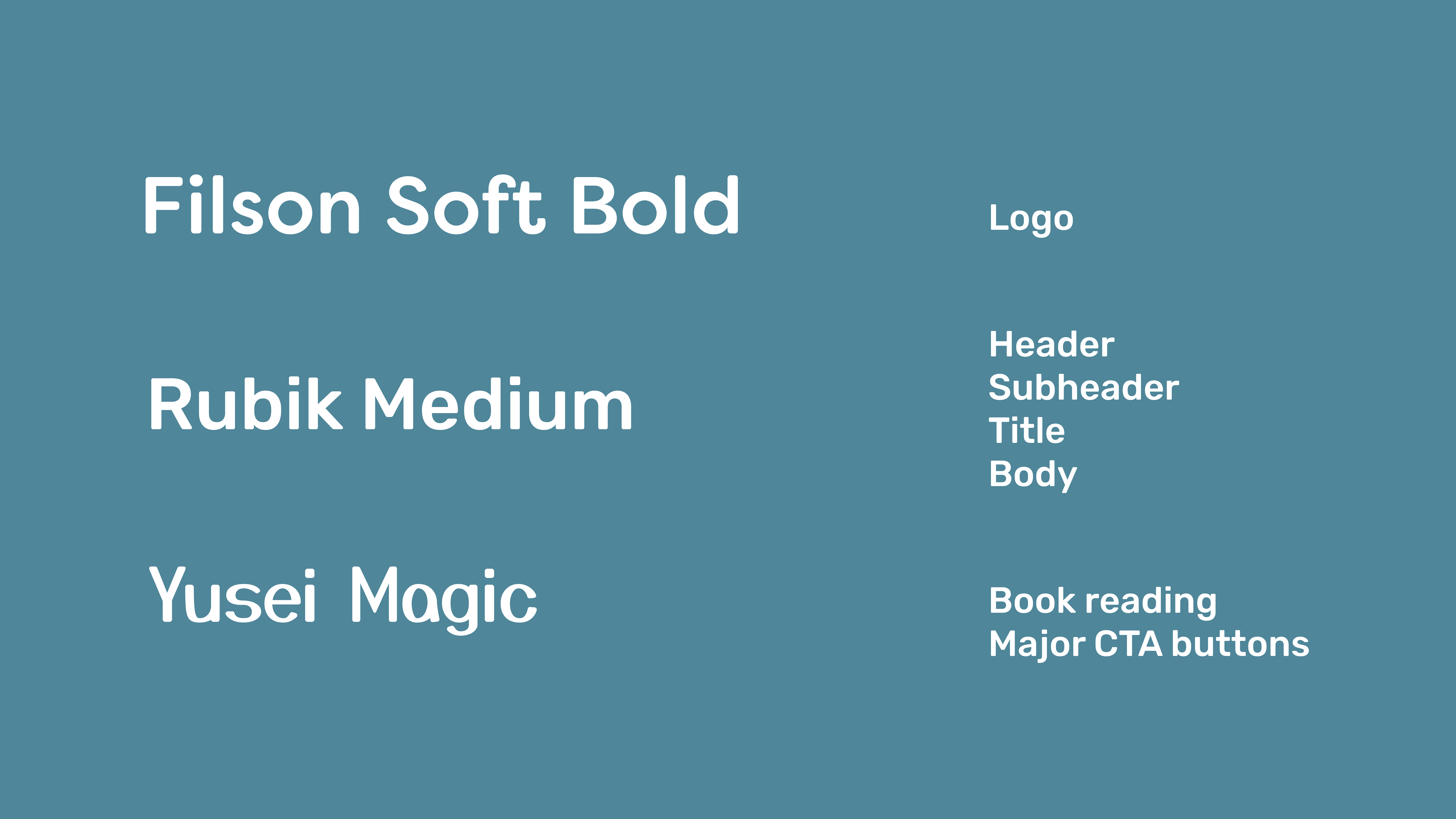
To supplement the logo and make the product more fun and interesting, I created character and made a collection of its 8 different states
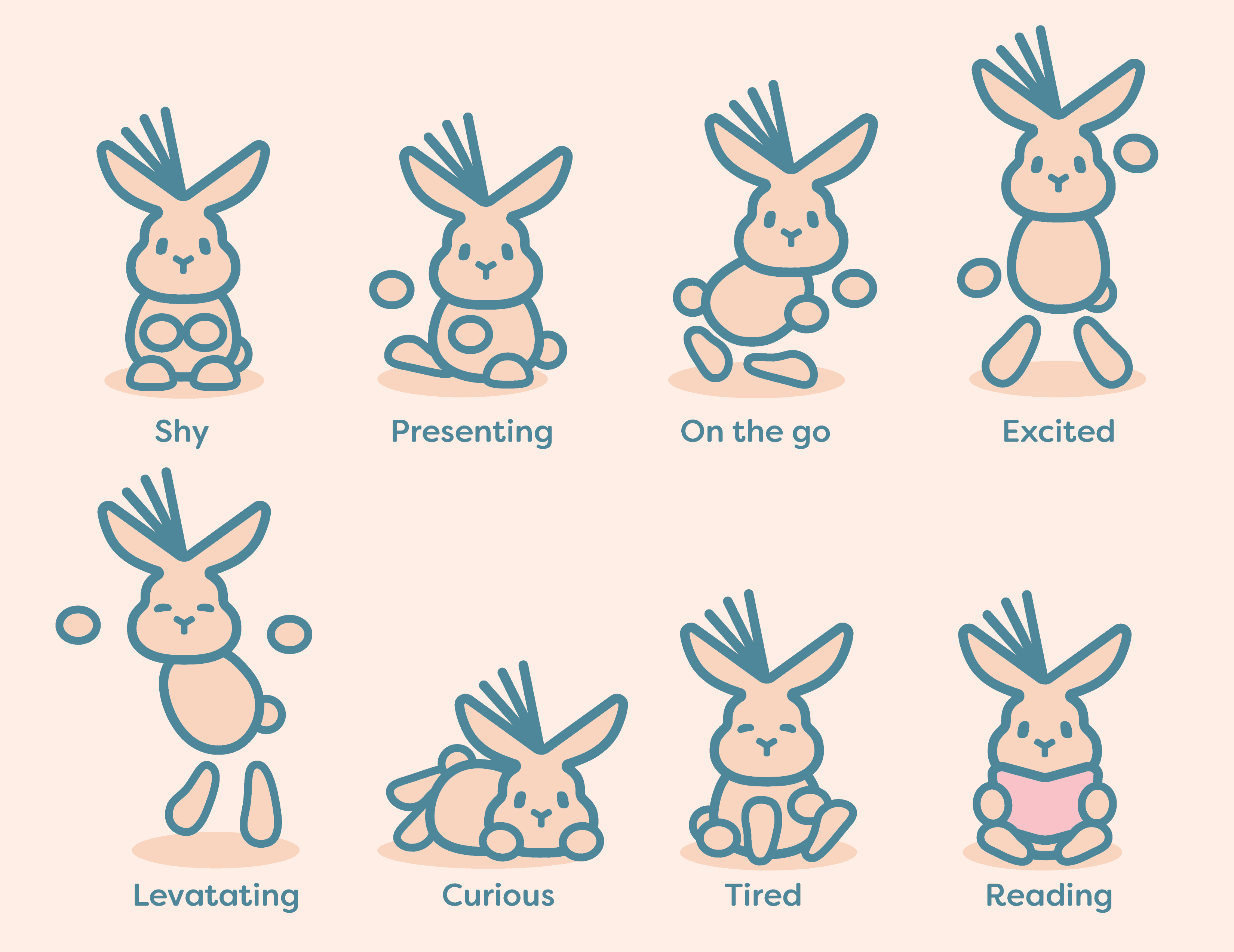
The illustrations have applications across product and marketing content, but more importantly show the care and attention to detail that went into the design of the brand identity
The process of crafting this brand identity and getting its approval from my boss took many iterations
I started with sketches and placed them on a spectrum ranging from less to more abstract

I then made a presentation showcasing three distinct brand directions for my boss to visualize and provide feedback on. These are excerpts from that presentation, which had fully fleshed out identities for each direction
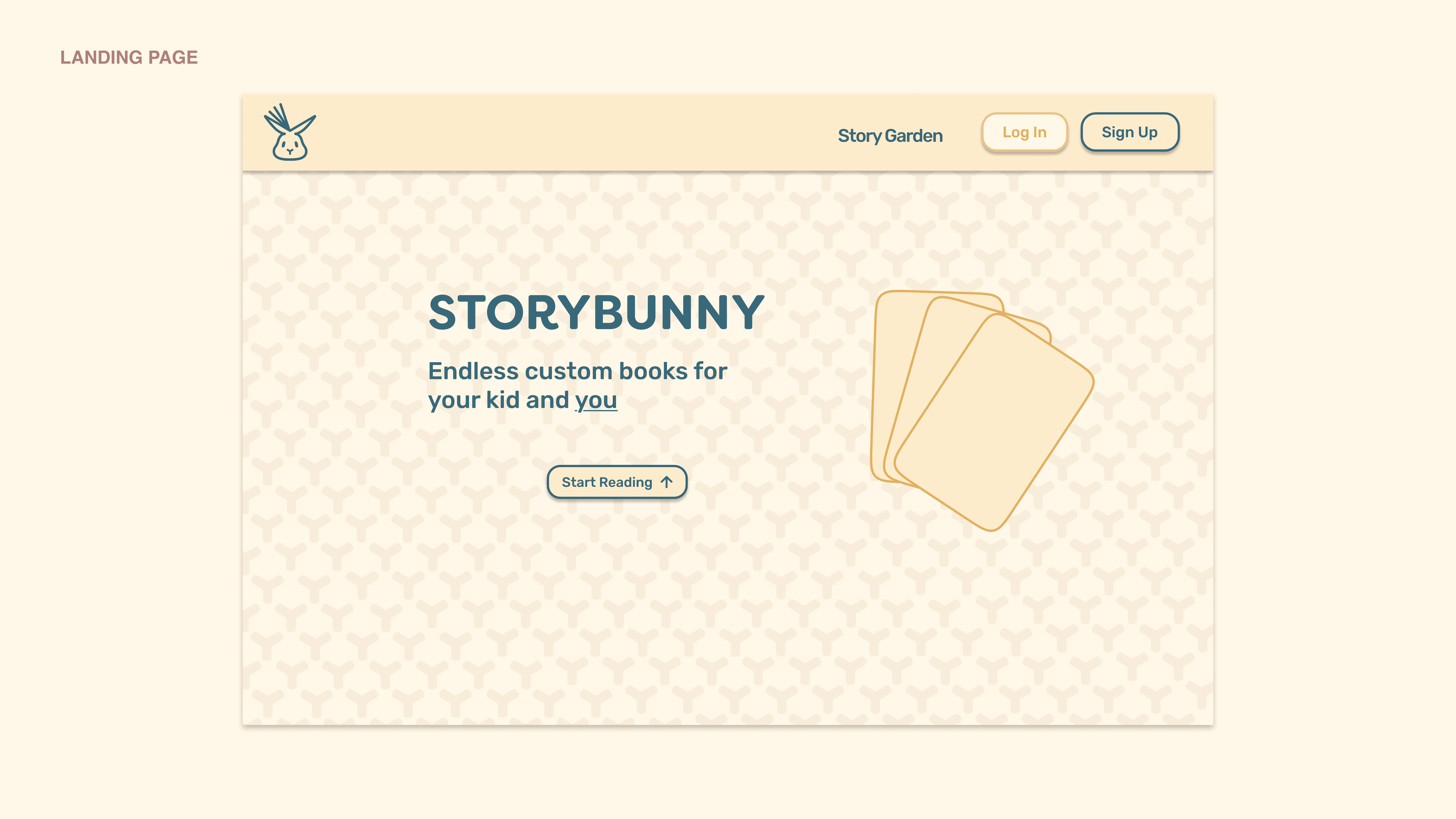
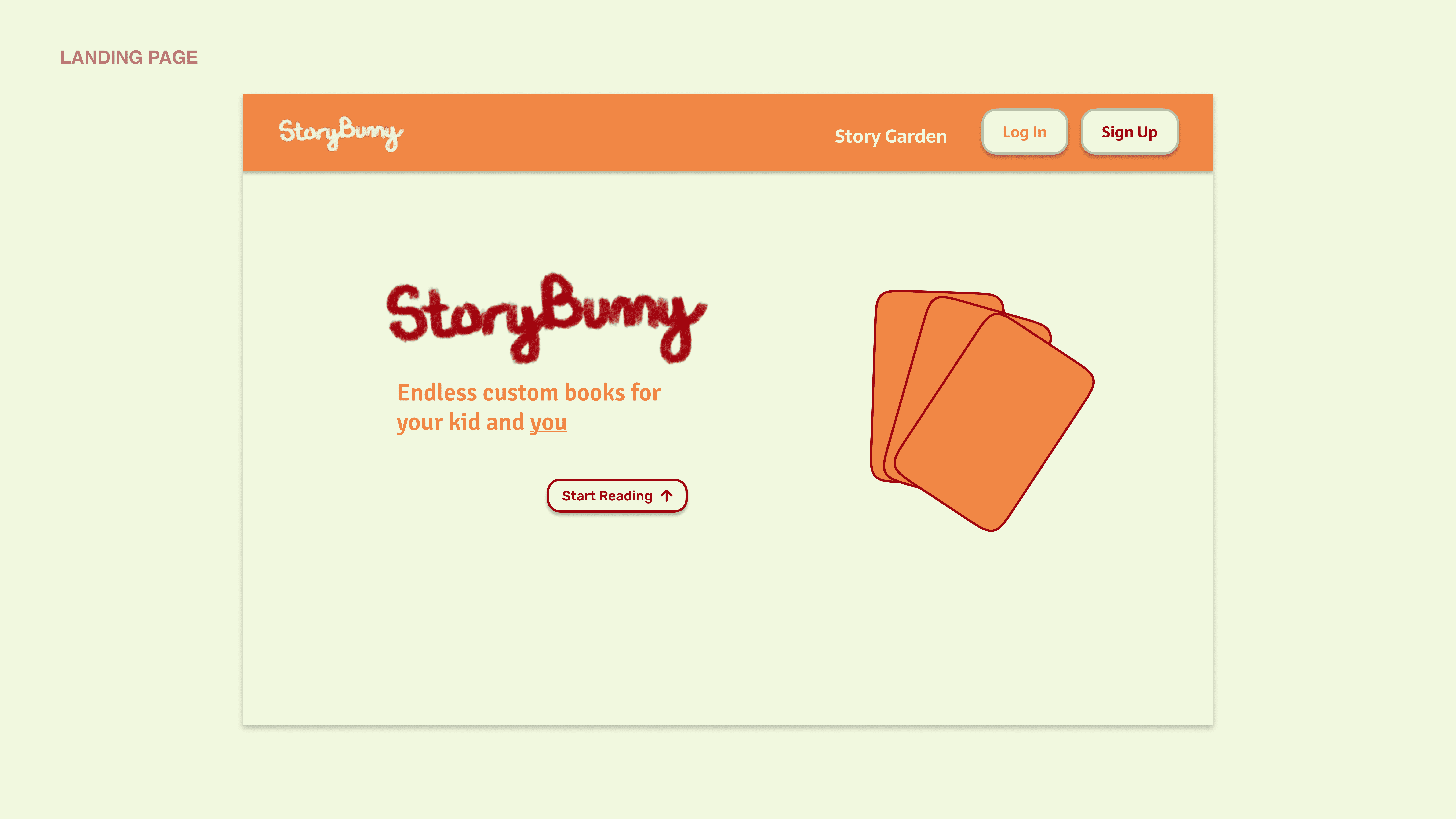
We decided to go with the bunny, but my boss felt that it looked too cold and expressionless, so I sketched up many variations of the face to get the right amount of cuteness